How to Reschedule, Cancel & View Your DFA Appointment
Life happens. A work shift changes. A family emergency comes up. Suddenly your carefully booked DFA appointment no longer fits your schedule. The good news is that you are not stuck. The DFA’s online system lets you manage an existing booking without losing your slot entirely, as long as you use the right option.
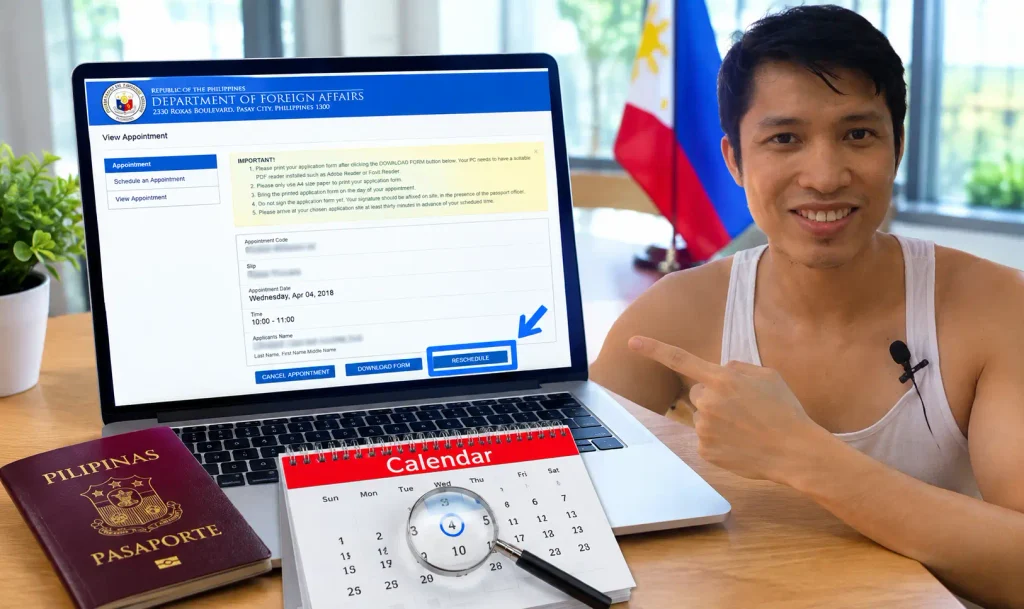
This guide walks through rescheduling, cancelling, and viewing your DFA appointment. It also covers what happens if you miss your slot completely, and what to do if you lose your confirmation email.
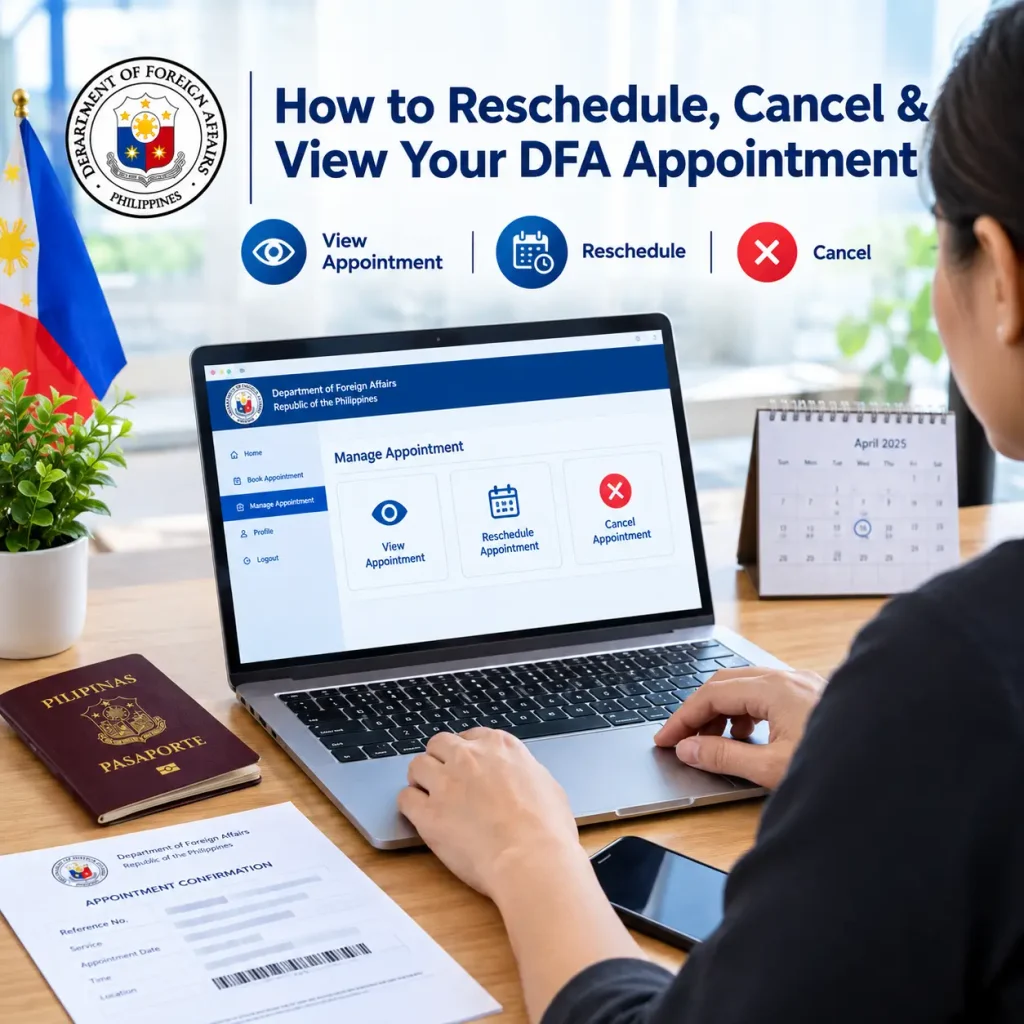
What Is DFA Appointment Management
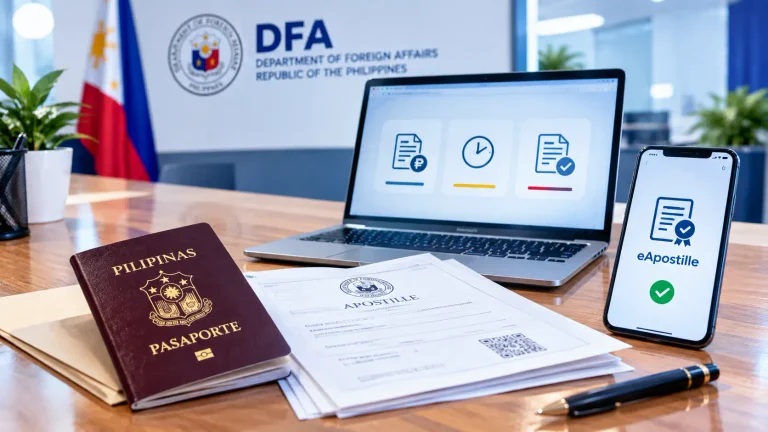
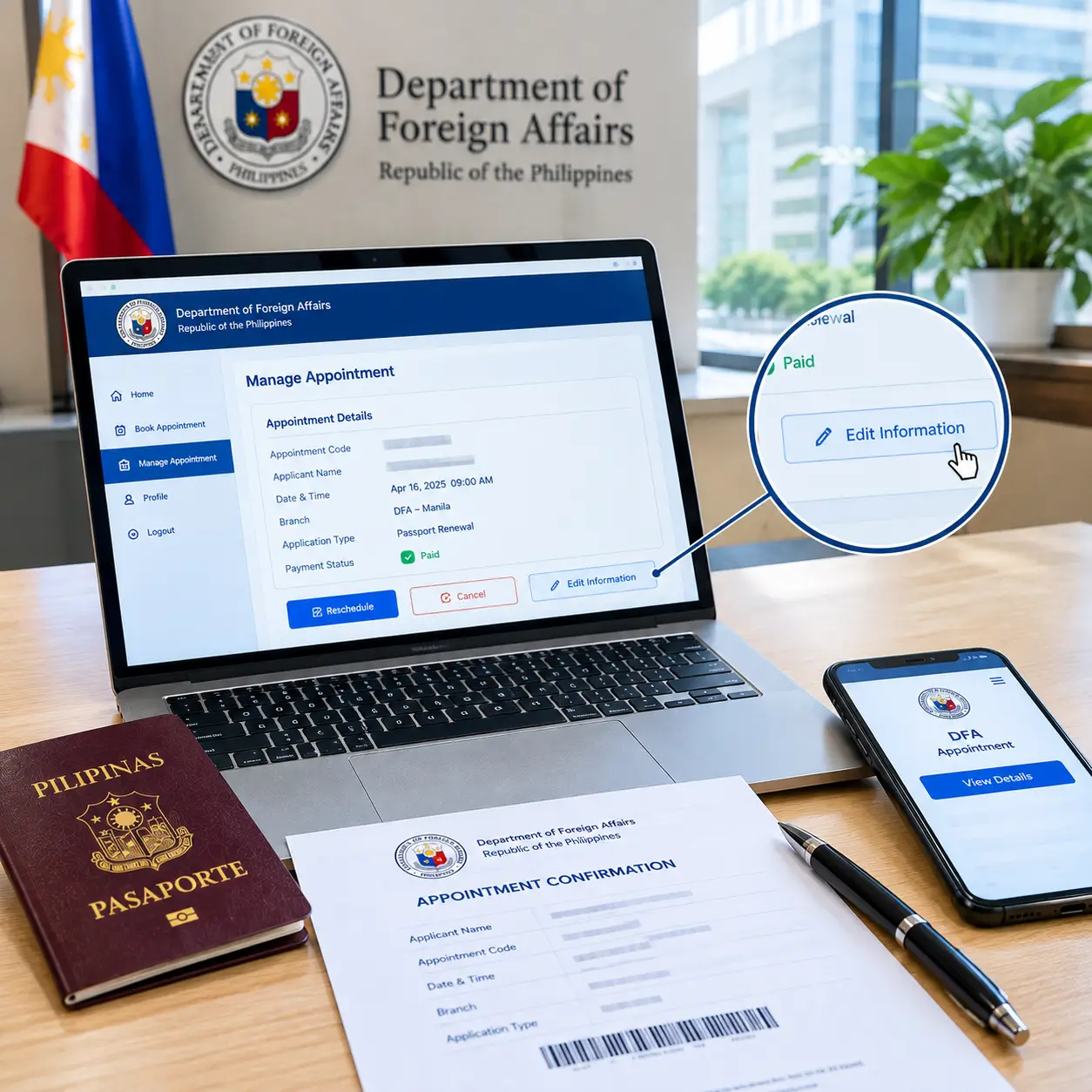
Appointment management is the set of self-service tools inside the DFA’s online booking system. It lets you adjust an existing appointment instead of starting over from scratch. You access it using your Appointment Code together with the email address used during your original booking.
The system centers on one key entry point: the View Appointment or “Manage Existing Appointment” page. This single portal leads to rescheduling, cancelling, and viewing your booking details. Understanding which option to choose matters more than most applicants realize. If you still need to complete your passport application, review the Philippine passport application guide to understand the process and preparation steps.
Reschedule vs. Cancel: What’s the Difference
Rescheduling moves your appointment to a new date, time, or branch. Your original booking record stays intact. Follow the payment instructions shown by the system for your rescheduled appointment, since specific payment handling can depend on your situation.
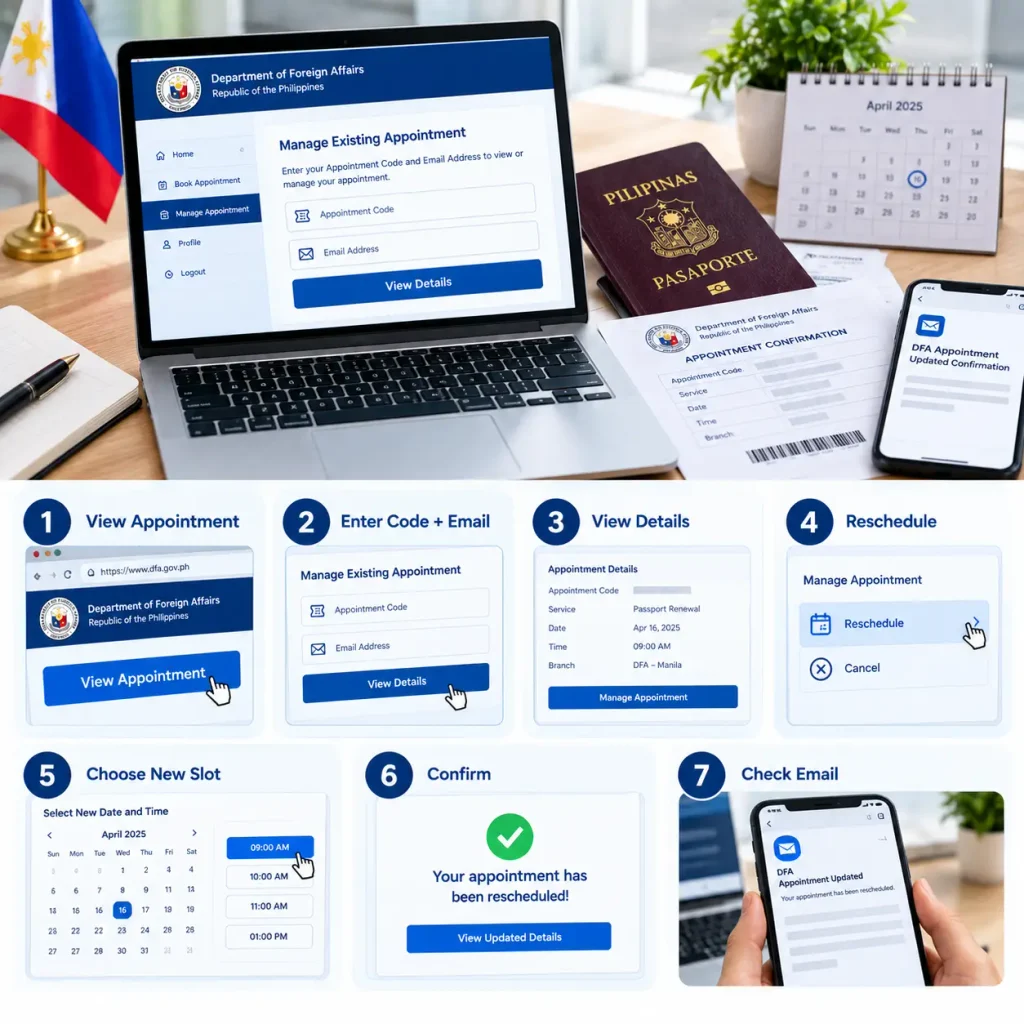
How to Reschedule a DFA Appointment
Rescheduling is the safer path whenever there is any chance you still need your passport soon. It preserves your slot rather than wiping it out.
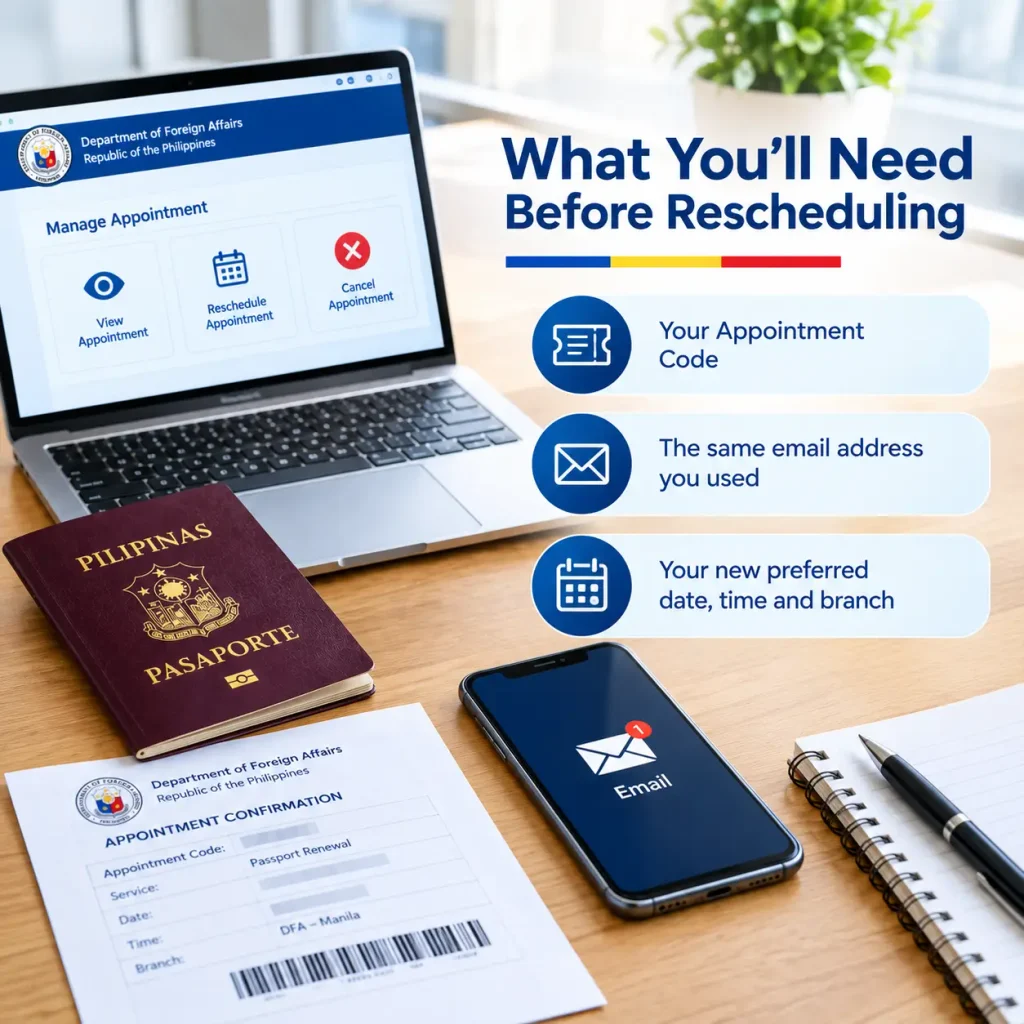
What You’ll Need Before Rescheduling
Gather these details before you start the process.
Your Appointment Code from your original booking
The exact email address used during your first booking
A general idea of your new preferred date, time, and branch
Steps to Reschedule Your Appointment
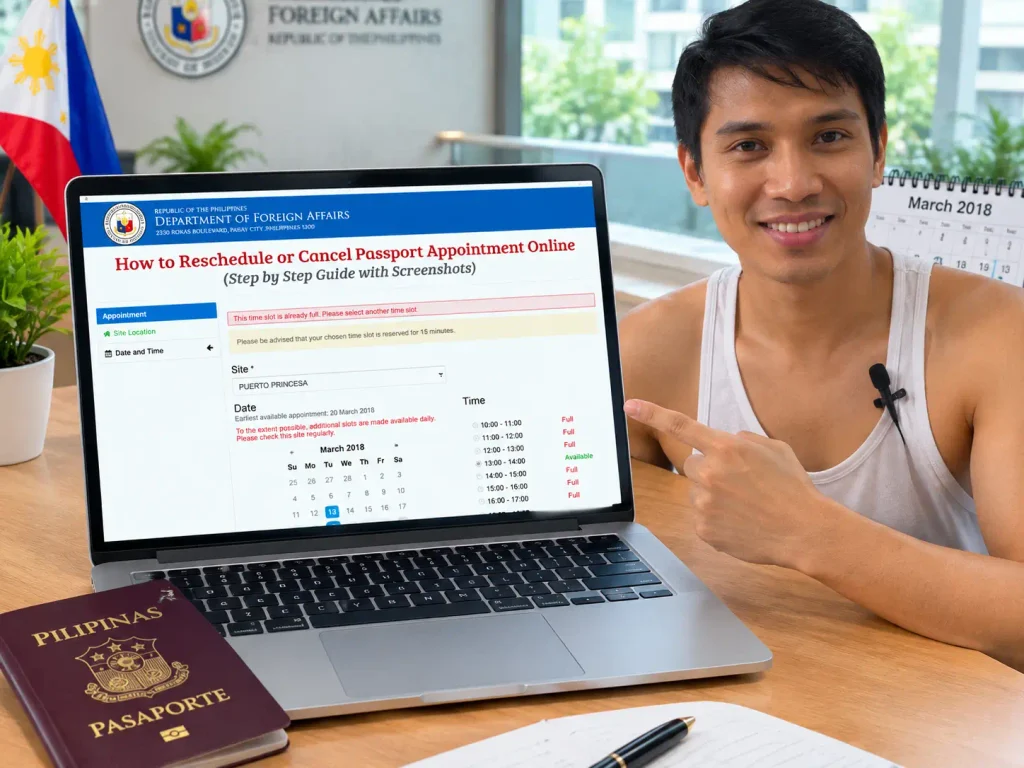
Depending on the available options in the reschedule feature, you may be able to select a different site as well as a new date or schedule, though this is not guaranteed for every appointment. Availability still depends on open slots at your chosen office, so a branch with high demand may not have anything open right away.
How to Cancel a DFA Appointment
Cancelling makes sense only when you are certain you will not need that specific appointment.
When Should You Cancel Instead?
Consider cancelling rather than rescheduling if any of the following apply to you. Before attending your appointment, make sure you have reviewed the applicable passport requirements and prepared the necessary documents.
If none of these apply, reschedule instead. Cancelling forfeits your slot completely, and there is no way to undo that decision afterward.
How to Cancel Your Appointment
The steps mirror the reschedule process up to a point.
- Go to the official DFA View Appointment page.
- Enter your Appointment Code and the email address used for your booking.
- Click “View Details” to load your existing appointment.
- Select the cancel option instead of the reschedule option.
- Read the warning shown before confirming.
- Confirm the cancellation when prompted.
- Save a screenshot or check your email for confirmation that the cancellation went through.
Once confirmed, this action cannot be reversed. Your fee, if paid, is not refunded, transferred, or applied to a future booking.
Quick Appointment Management Checklist
How to View Your DFA Appointment
Sometimes you simply want to confirm your existing details rather than change anything.
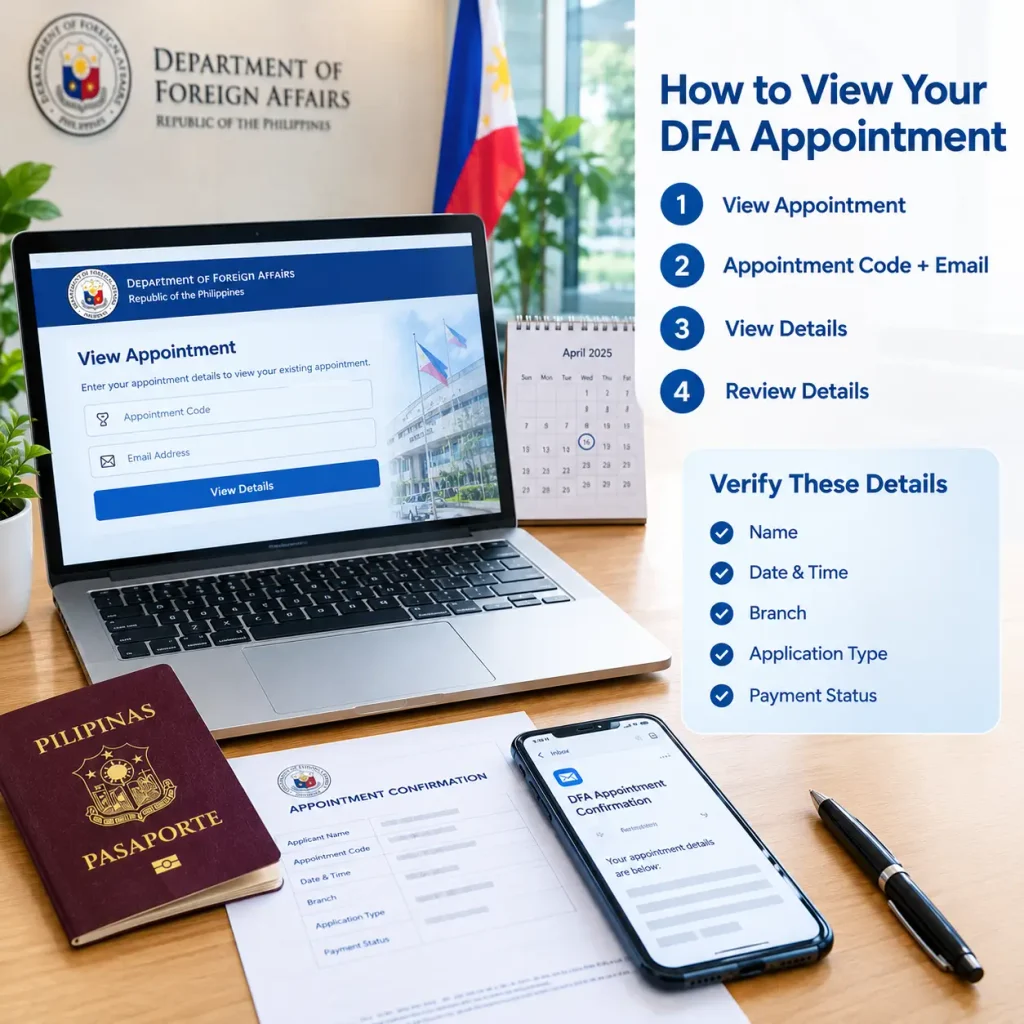
Steps to View Your Appointment
- Go to the official DFA View Appointment page.
- Enter your Appointment Code and the email address used for your booking.
- Click “View Details” to load your existing appointment.
- Review the details shown on screen.
Verify These Details
Check each of these carefully whenever you view your appointment.
Missed Your DFA Appointment
Missing a scheduled slot happens more often than applicants expect, especially with unpredictable work and family demands.
What Should You Do?
Your next step depends on whether you had already paid for the missed appointment.
If you miss an appointment, check your current appointment status through the DFA View Appointment page and follow the instructions shown for booking a new appointment if your slot is no longer active. If you had already paid, the passport processing fee is generally forfeited under the DFA’s appointment terms once you fail to show up for a confirmed appointment. You will generally need to make a new appointment, and pay again, if you still need the service.
Common Reasons Applicants Miss Their Appointment
Forgetting the exact date or time after booking weeks in advance
Sudden work obligations or shift changes
Family emergencies or health issues
Traffic or transportation problems on appointment day
Confusing the appointment date with the payment deadline
Setting a calendar reminder a few days and a few hours before your scheduled slot significantly reduces the risk of this happening to you.
Can You Change Information After Booking
Editing details on an existing appointment has real limits inside the DFA system.
Information That May Need Updating
Applicants commonly need to correct or update the following after booking.
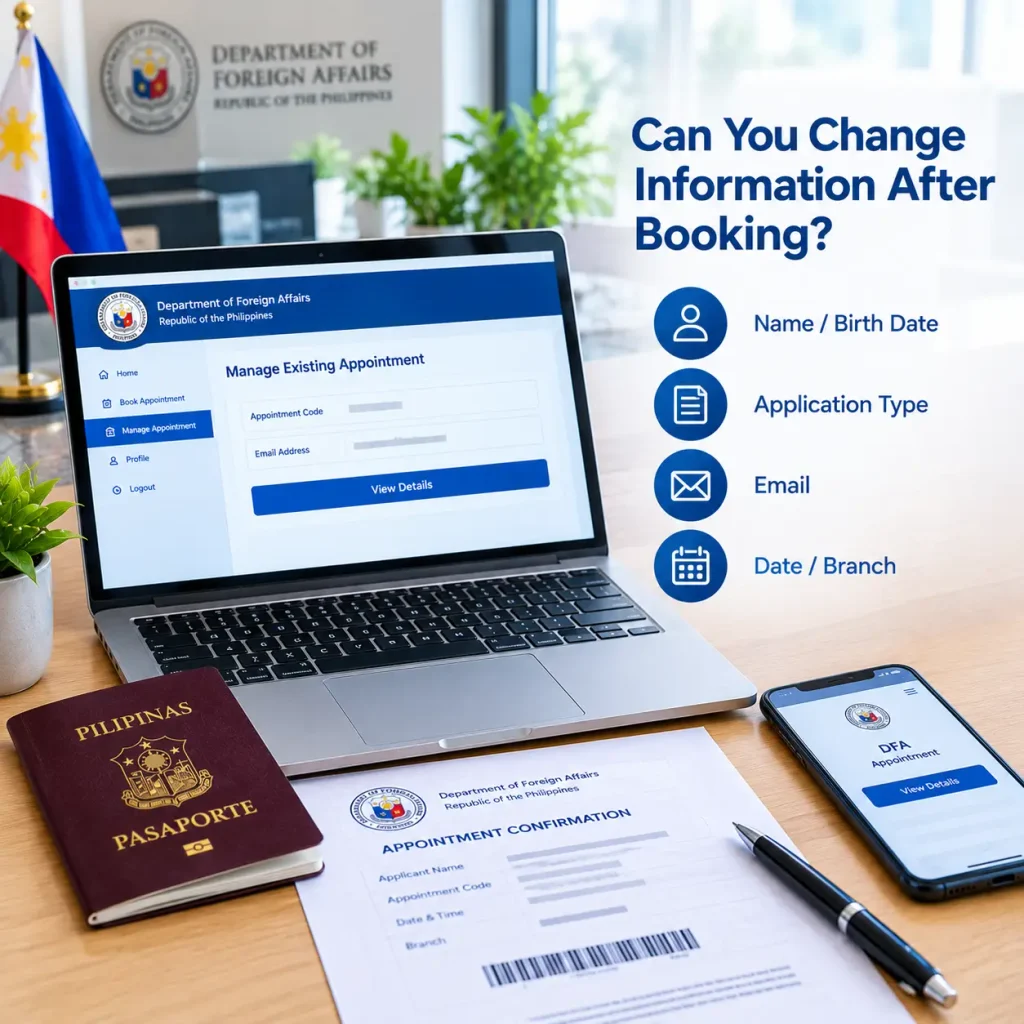
For date, time, and branch changes, the reschedule function generally handles this without issue. For deeper corrections, such as a misspelled name or wrong application type, the safest approach is contacting your chosen DFA branch directly or the DFA’s official support channels, since not every field can necessarily be edited through the standard online interface. Confirming exactly what can be changed before your appointment day prevents a surprise at the counter.
Lost Your Confirmation Email or Reference Number
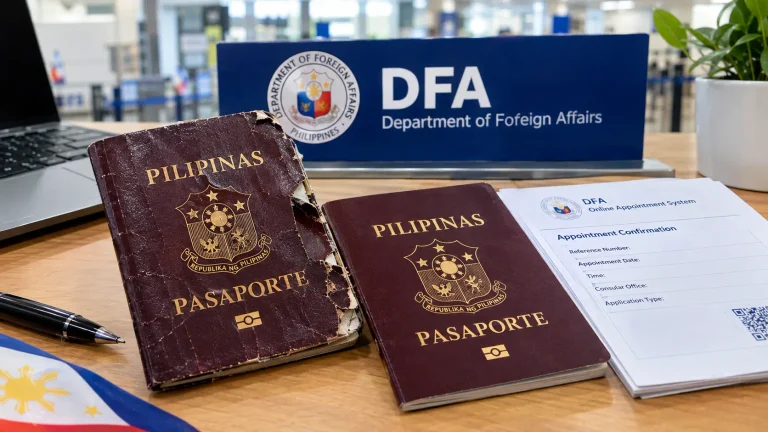
Your Appointment Code and the email address used for the booking are the key details you need to view or manage your appointment, so losing track of your confirmation email can feel like a real obstacle.
Start by checking your spam, promotions, or archived folders, since automated DFA emails sometimes land outside the main inbox. Search your email using terms like “DFA,” “passport appointment,” or “reference number” rather than scrolling manually through your entire inbox.
If You Still Can’t Find It
If a thorough email search turns up nothing, you can still use the official DFA View Appointment page with your Appointment Code and the email address used for the booking. If you cannot recover your Appointment Code at all, contact the DFA Appointment Hotline for assistance, since staff there can help you retrieve your booking details.
Frequently Asked Questions
Final Thoughts
Managing a DFA appointment comes down to knowing which button to click and when. Reschedule whenever there is any chance you still need your slot. Cancel only when you are completely certain you do not. Keep your Appointment Code and the email address you used for booking safe from the moment you receive them, since these are the key details behind everything else covered in this guide. A few minutes of care here saves you from losing a paid appointment entirely.